
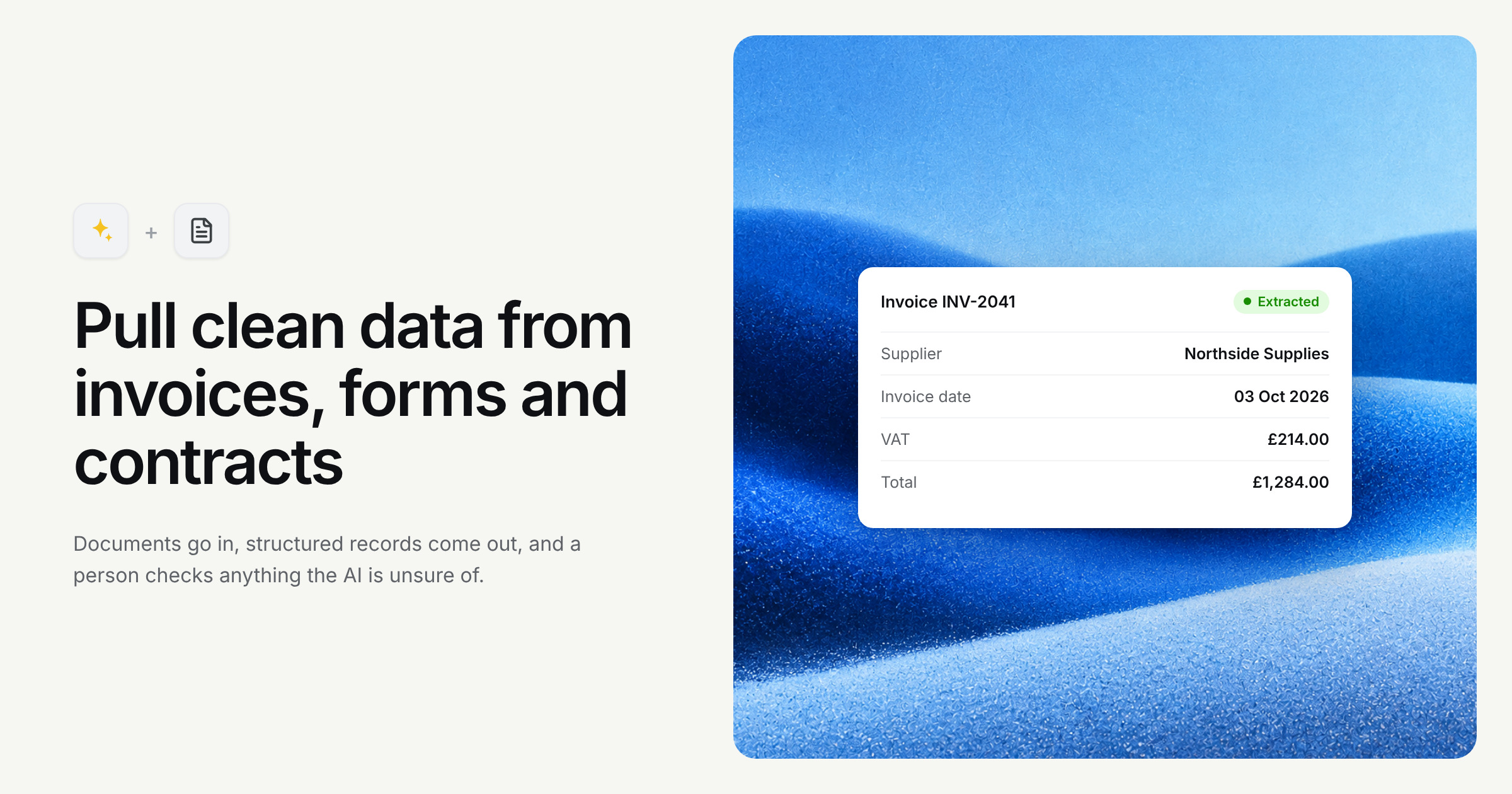
Invoices, application forms, delivery notes, contracts. Most businesses have a steady stream of documents arriving, and somewhere there's a person whose job is to open each one, find the important bits and type them into another system.
It's careful work. It's also mind-numbing, and mind-numbing work is where mistakes creep in.
Where AI actually fits
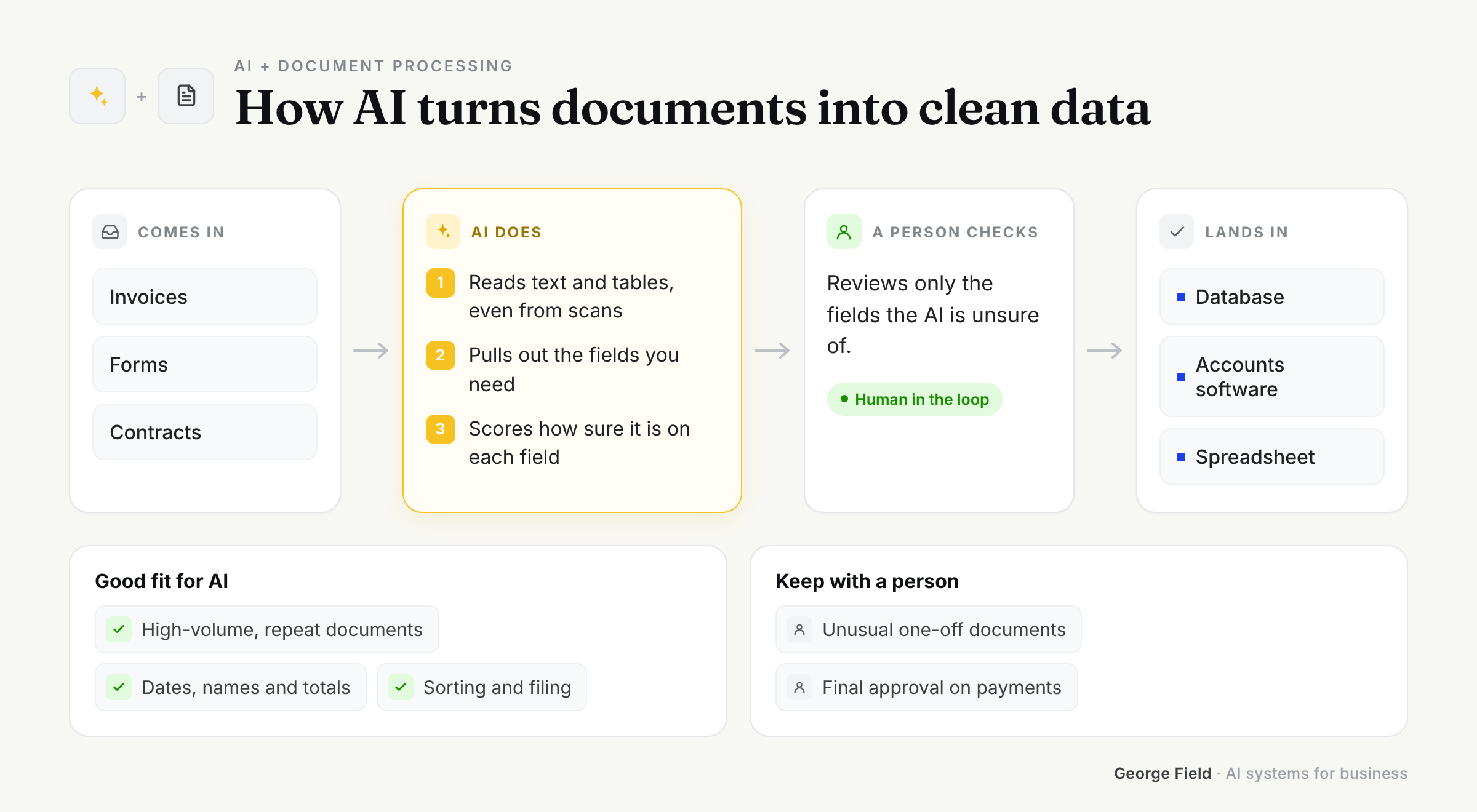
Document processing uses AI to read documents the way a person would: find the supplier name, the total, the due date, the signature, the clause that matters. It then puts that information somewhere useful, like your accounts package or a database.
At Hours I built Python pipelines that turned thousands of unstructured documents into clean, structured data for AI systems. At CUB3 I built AI document processing and auditing tools. Different industries, same pattern: the reading gets automated, the checking stays human.
What it's great at
- Pulling consistent fields out of messy, varied documents
- Handling scans, photos and PDFs that older OCR tools choked on
- Flagging documents that look wrong or are missing information
- Working through a backlog overnight that would take a person weeks
What it's not great at
- Being 100% accurate without checks. It's very good. Very good isn't the same as perfect
- Truly illegible documents. If you can't read it, neither can it
- Knowing what a field means in your business without being told
- Making decisions based on what it extracts. That's a separate step, and often a human one
How to implement it
Start with your highest-volume document type. List the ten or so fields your team actually copies out, and collect a sample of real documents, including the awkward ones.
Build the extraction, then measure it against what your team would have typed. That gives you an honest accuracy figure instead of a hopeful one.
Finally, design the review screen. Every extracted value should sit next to the place it came from on the page, so checking takes seconds.
How I approach it
I build pipelines that show their working. Each value links back to the source document, low-confidence results get flagged for review, and nothing goes into your system without passing your checks.
I'd rather you trust the system a little less than you should for the first month than a lot more than you should forever.
Ideas that work
- Supplier invoices straight into your accounting software, ready for approval
- Application and onboarding forms turned into records without retyping
- Key dates, parties and clauses pulled from contracts into a searchable register
- Delivery notes matched against purchase orders, with mismatches flagged
Sitting on a pile of PDFs that holds data you can't get at? Book a call and bring a few examples. The weird ones especially.
