
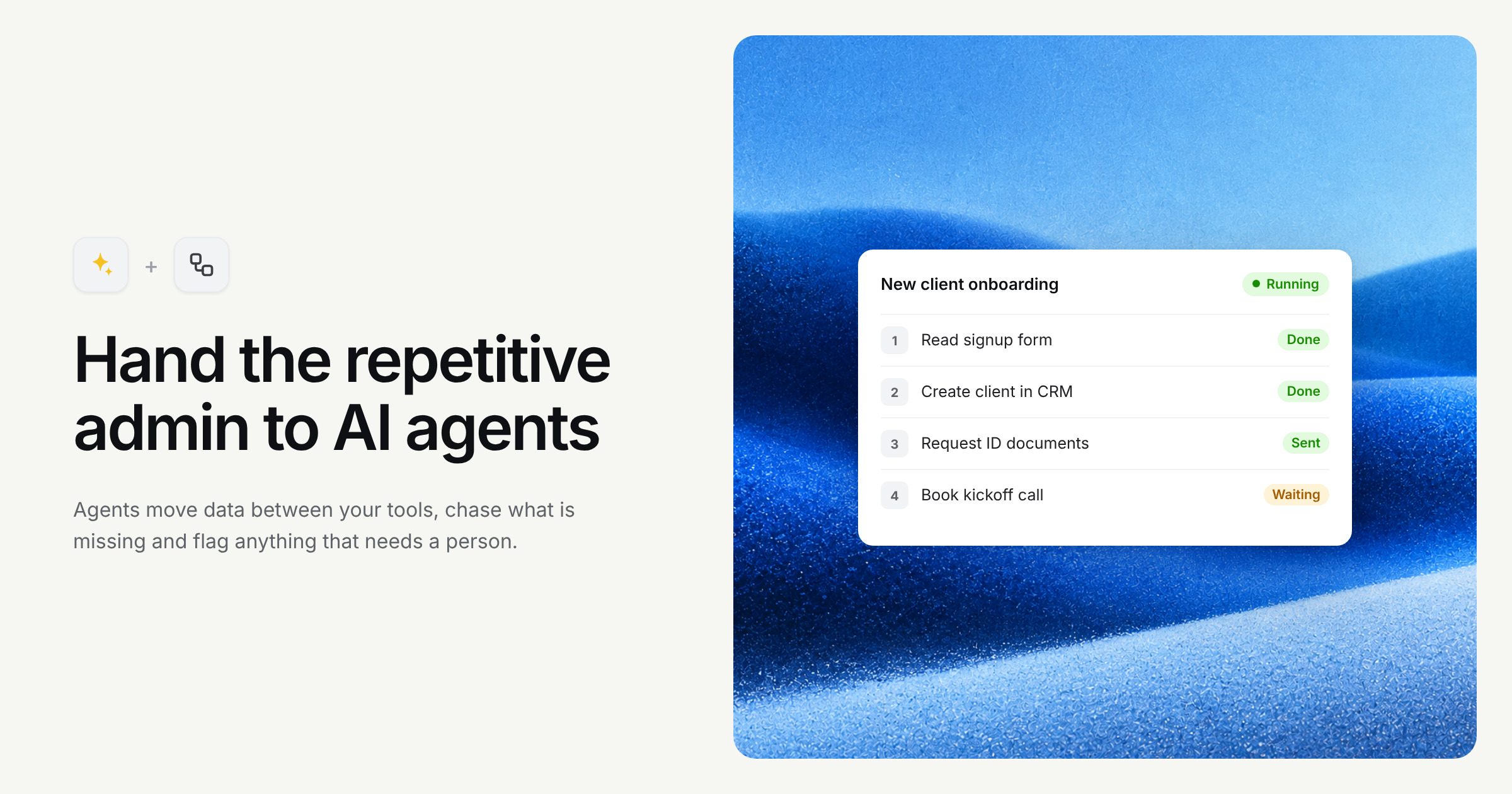
Look closely at most admin work and it's a chain. Something arrives. Someone reads it, decides what it is, updates a system or two, and tells somebody else. Then they do it again. And again.
Workflow automation takes those chains and runs them for you. Add AI to the mix and it can handle the steps that used to need a human to read and decide, not just the ones that moved data from A to B.
Where AI actually fits
Classic automation tools are good at rigid rules: when X happens, do Y. AI agents add the fuzzy bits. Reading an email and working out what the customer wants. Pulling the right details out of an attachment. Deciding which of four queues a request belongs in.
At Hours I built agentic flows where AI agents called tools and services to finish multi-step tasks on their own. They're powerful. They also need guard rails, because a confident agent doing the wrong thing quickly is worse than a slow person doing the right thing.
What it's great at
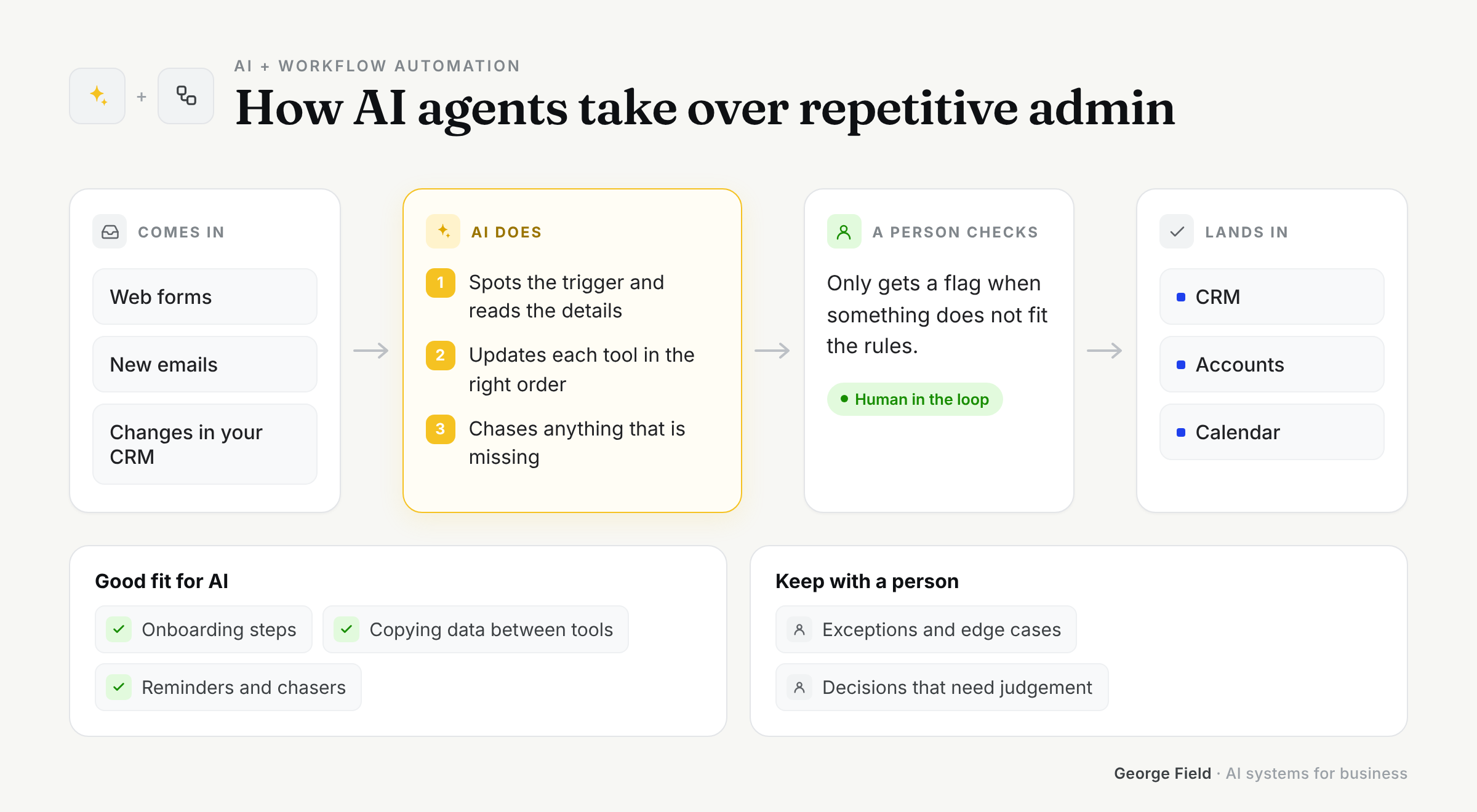
- Triage: reading incoming requests and routing them to the right place
- Copying information between systems that don't talk to each other
- Following up, chasing and reminding, consistently, without forgetting
- Running the same multi-step process the same way every single time
What it's not great at
- Processes nobody has ever written down. Automating chaos just gets you faster chaos
- Steps that need real judgement or accountability
- Rare edge cases. If something happens twice a year, a person can handle it
- Being left alone on day one. New workflows need watching
How to implement it
Map the process first, on paper. Every step, who does it, which system it touches and how long it takes. You'll often find a step or two that can simply be deleted, which is the cheapest automation there is.
Then automate the most painful step, not the whole chain. Keep a person approving the output until the results are boringly reliable, then hand over more.
Log everything. When something goes wrong (and it will, at some point) you want to see exactly what happened and why.
How I approach it
I treat automation like any other piece of software: tested, monitored and easy to switch off. Each workflow starts with a human in the loop and gets more autonomy as it proves itself.
I'll also tell you when a workflow isn't worth automating. Sometimes the right answer is a better form or a shared inbox rule, and that's fine by me.
Ideas that work
- Turning inbound emails into tidy records in your CRM
- Onboarding new customers: collecting documents, setting up accounts, sending welcomes
- Weekly reporting that pulls numbers from several systems into one summary
- Invoice chasing that's polite, persistent and never forgets
Got a process everyone grumbles about? Book a call and walk me through it. That grumble is usually where the savings are.
